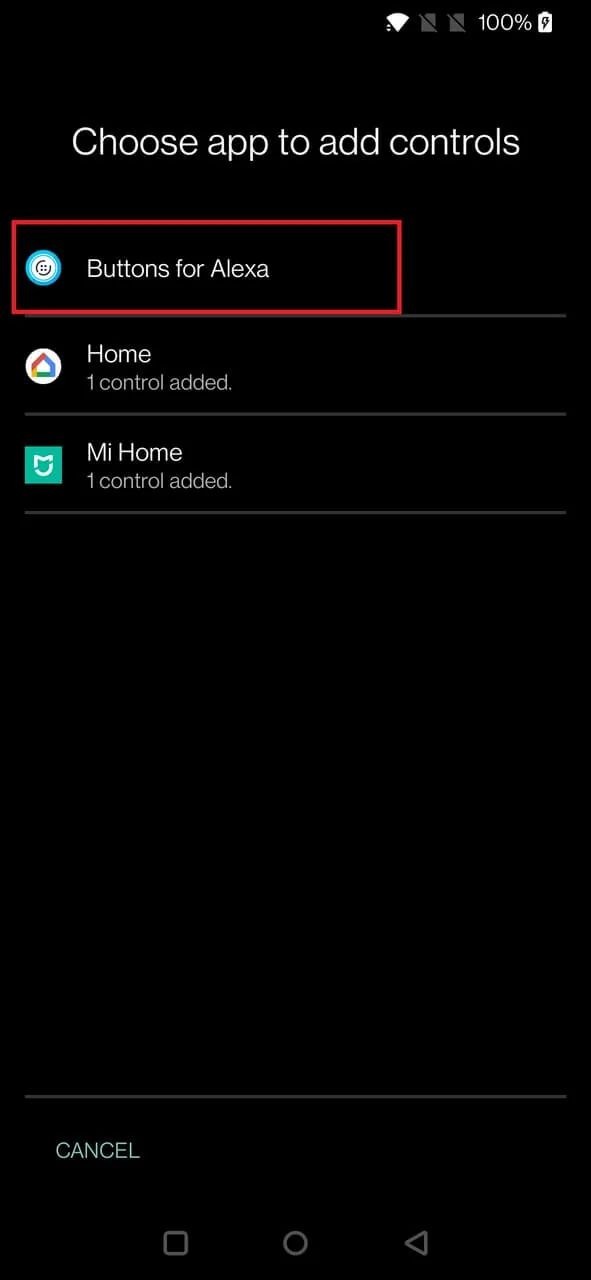
Basic setup
- Make sure the routine is already saved and working inside Buttons for Alexa.
- Open your phone’s device controls / smart-home controls interface.
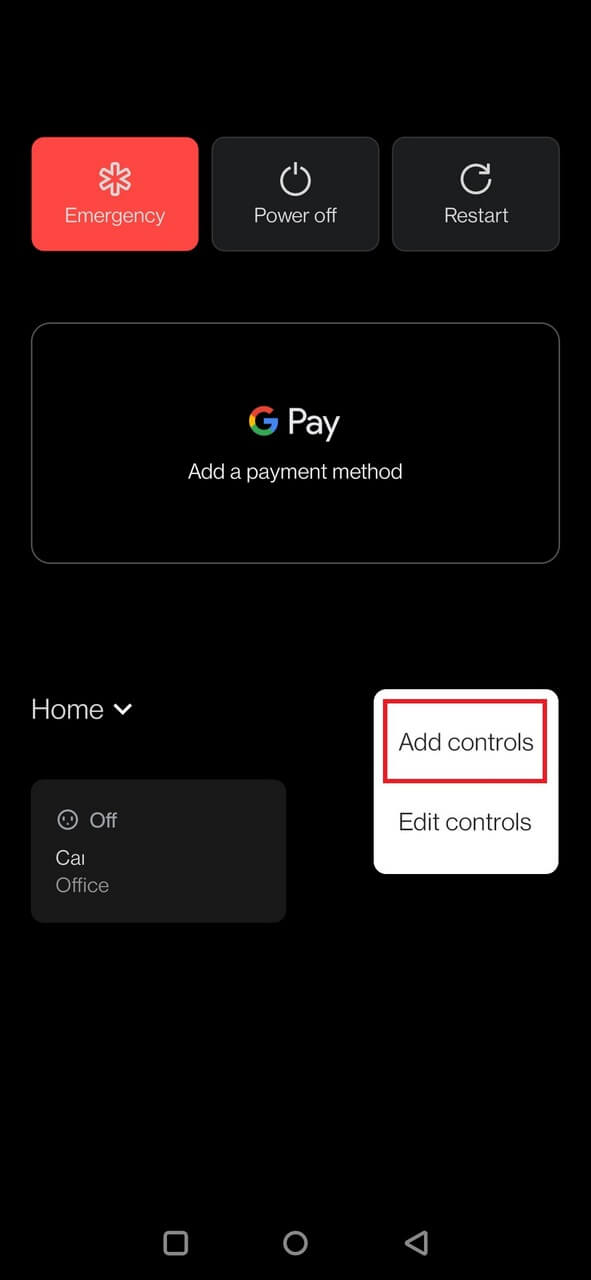
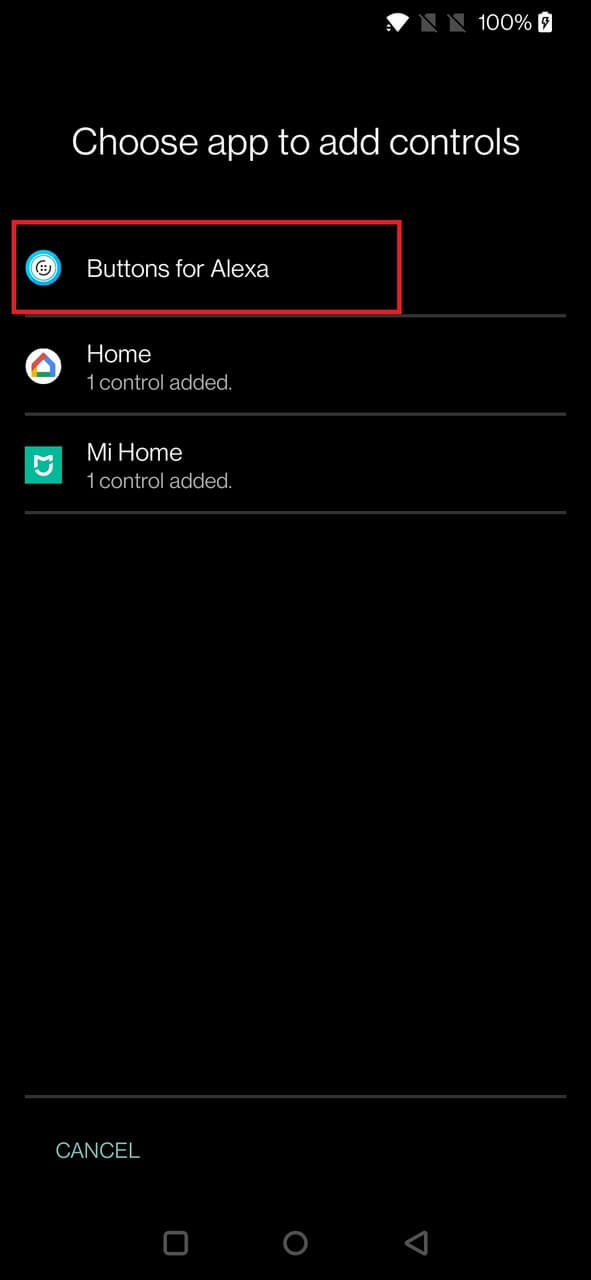
- Choose the option to add or edit controls and select Buttons for Alexa as a provider when available.
- Select the routines you want to expose.
- Test the control from the Android system surface.
Android UI changes over time
Older Android versions placed device controls in the power menu. Newer Android versions and manufacturer skins can place them in Quick Settings, lock-screen shortcuts or a dedicated Home/Device Controls panel. Follow the labels available on your phone rather than expecting one universal path.
Google / stock Android example
Open the device-controls configuration
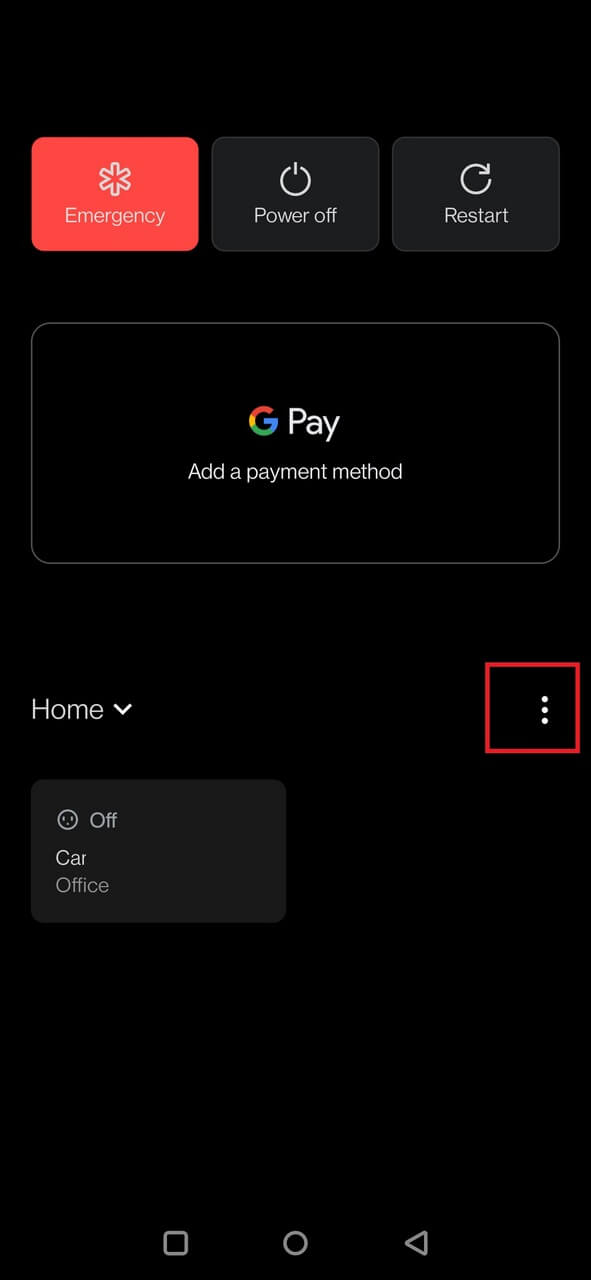
Choose the controls provider
Select Buttons for Alexa routines

Use the routine from device controls
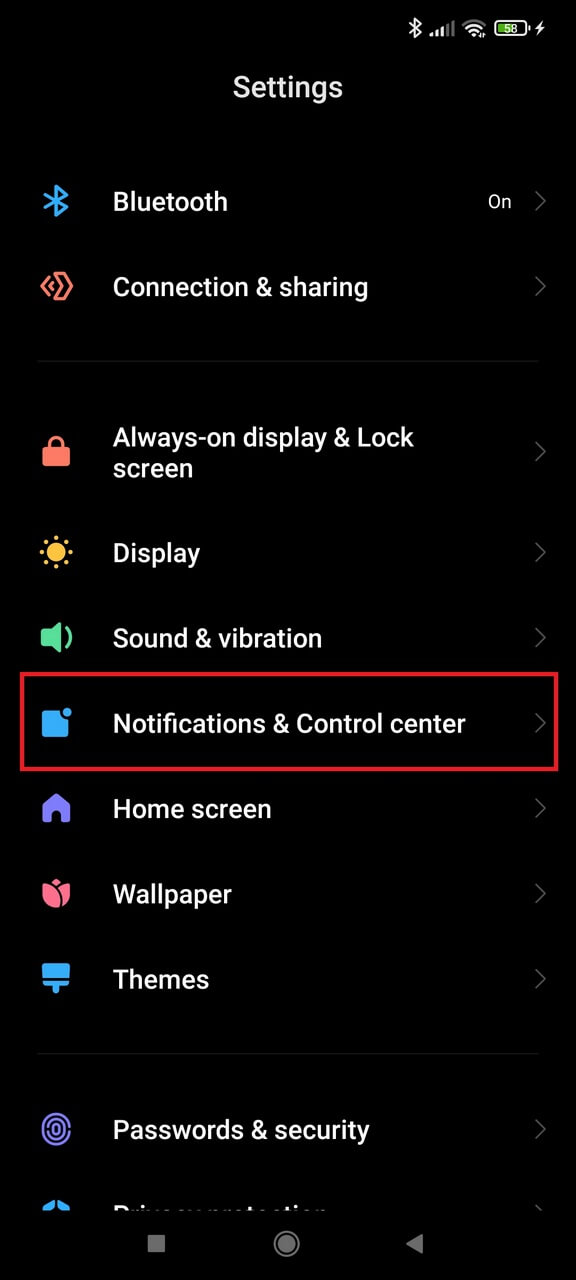
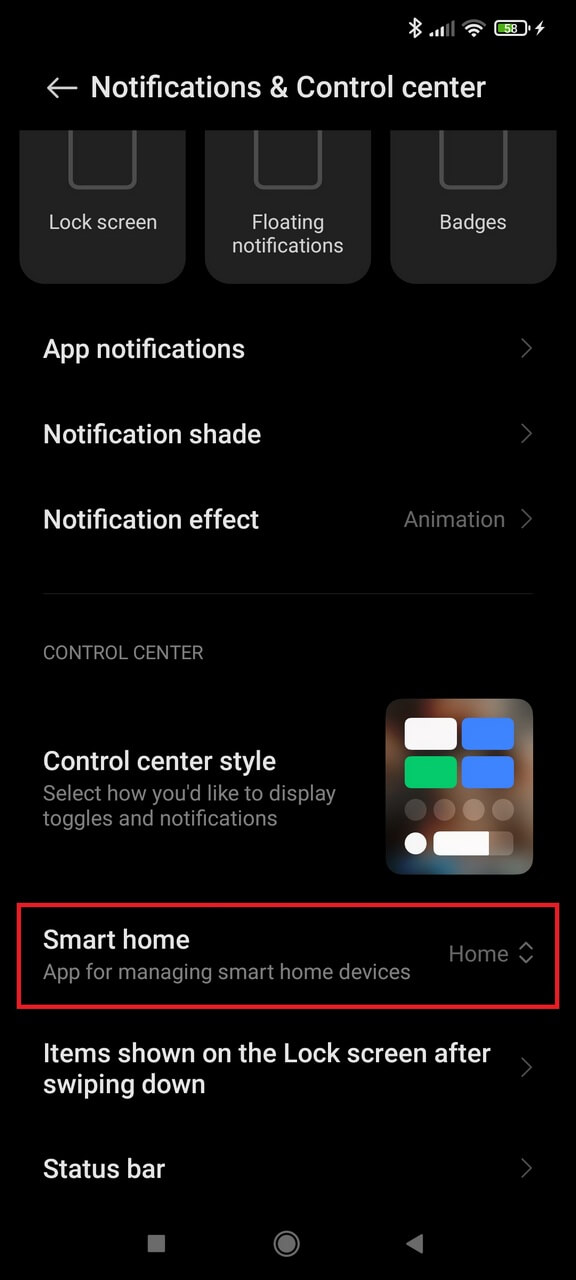
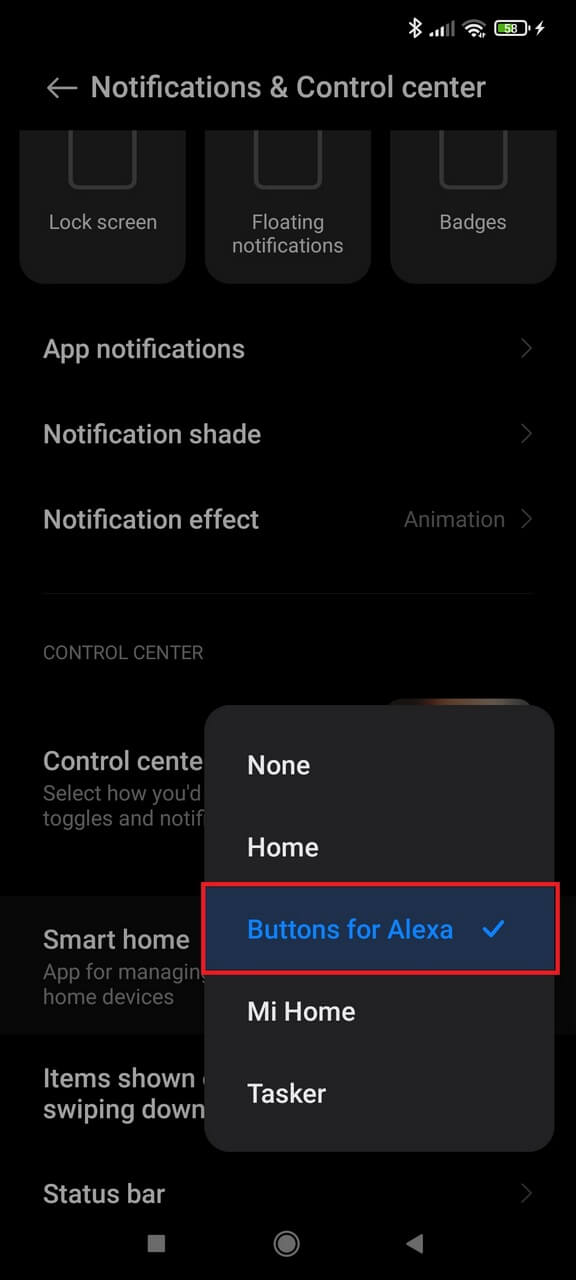
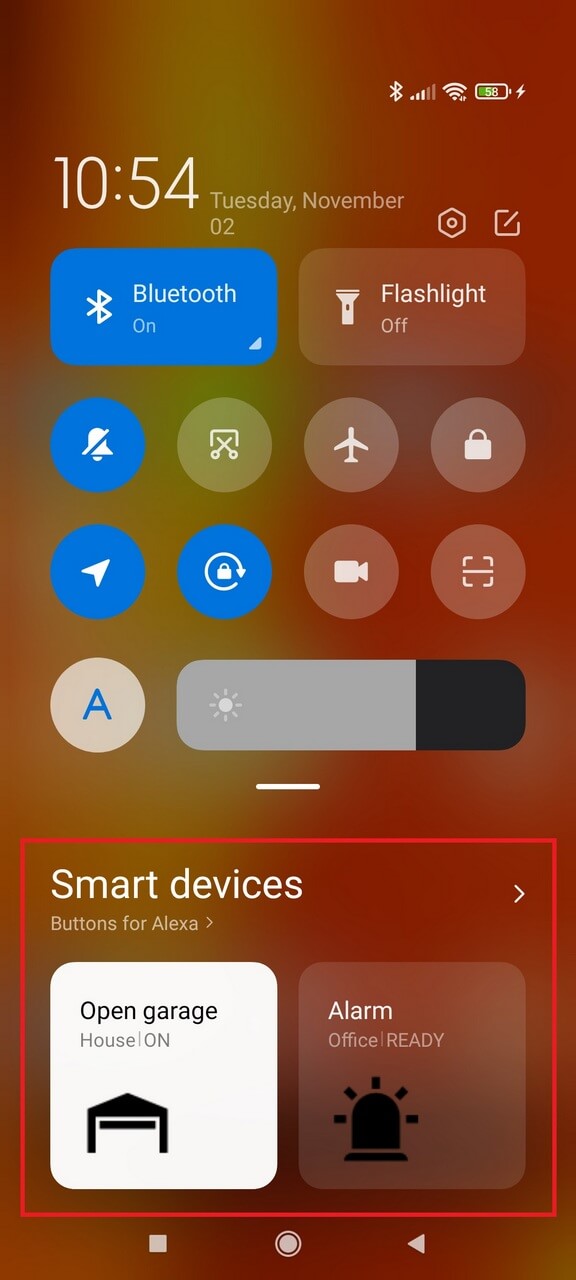
MIUI / Xiaomi example
These screenshots show an older MIUI path. Current HyperOS/MIUI versions may use different menu names, but the concept is the same: enable the Buttons for Alexa control provider and select the routines to expose.