
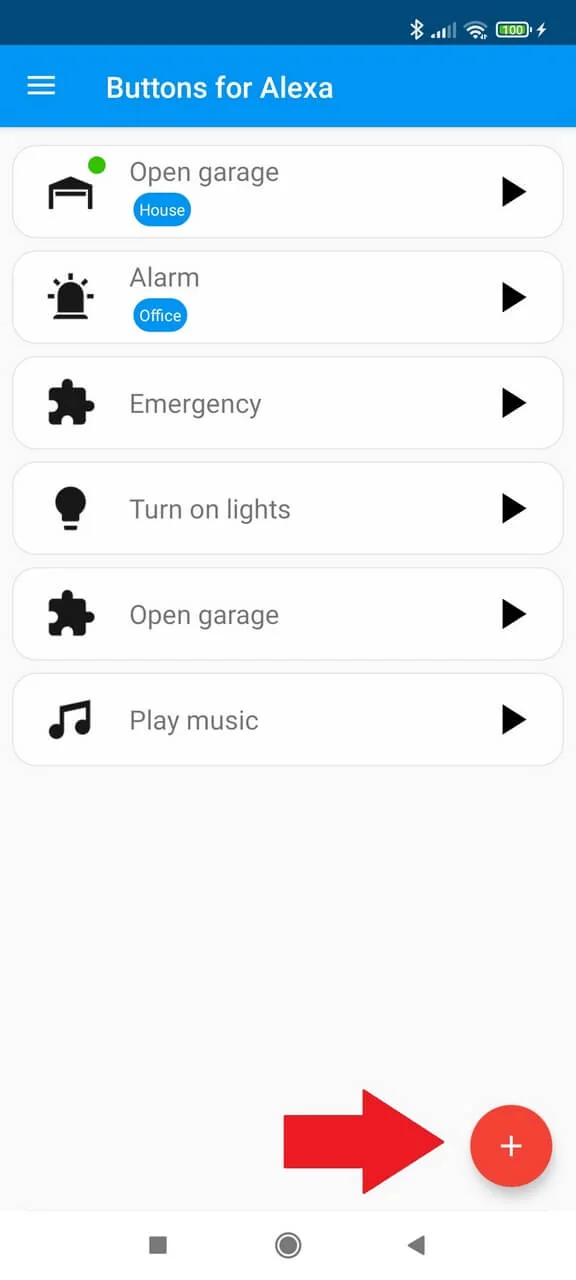
Setup step by step
Add a new routine
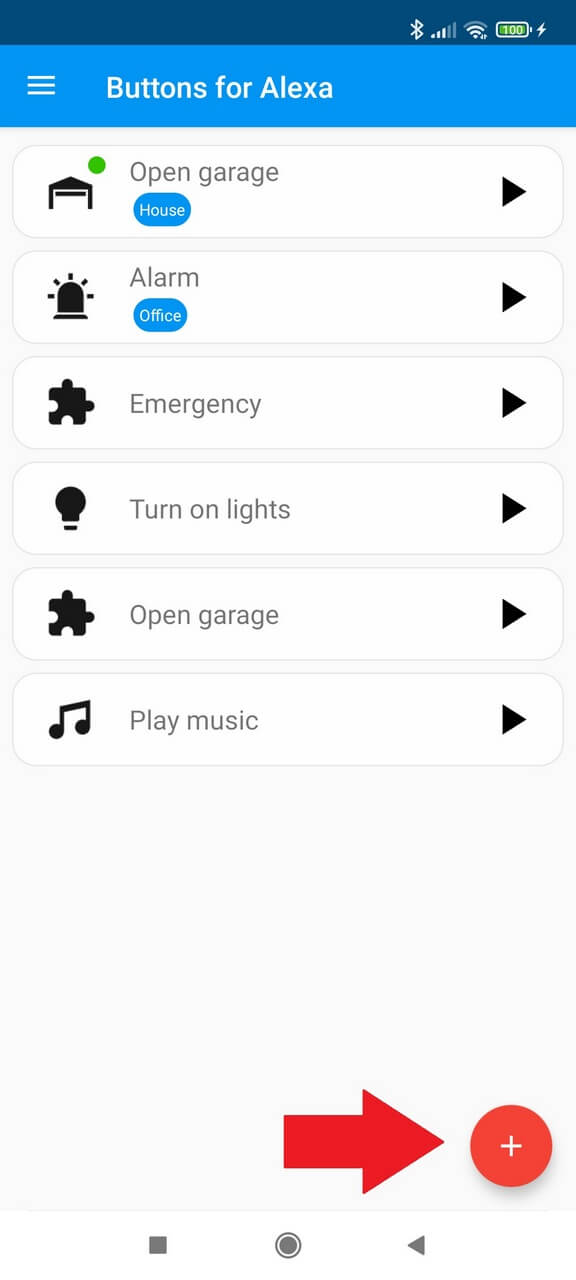
Open Buttons for Alexa and tap the add (+) button.
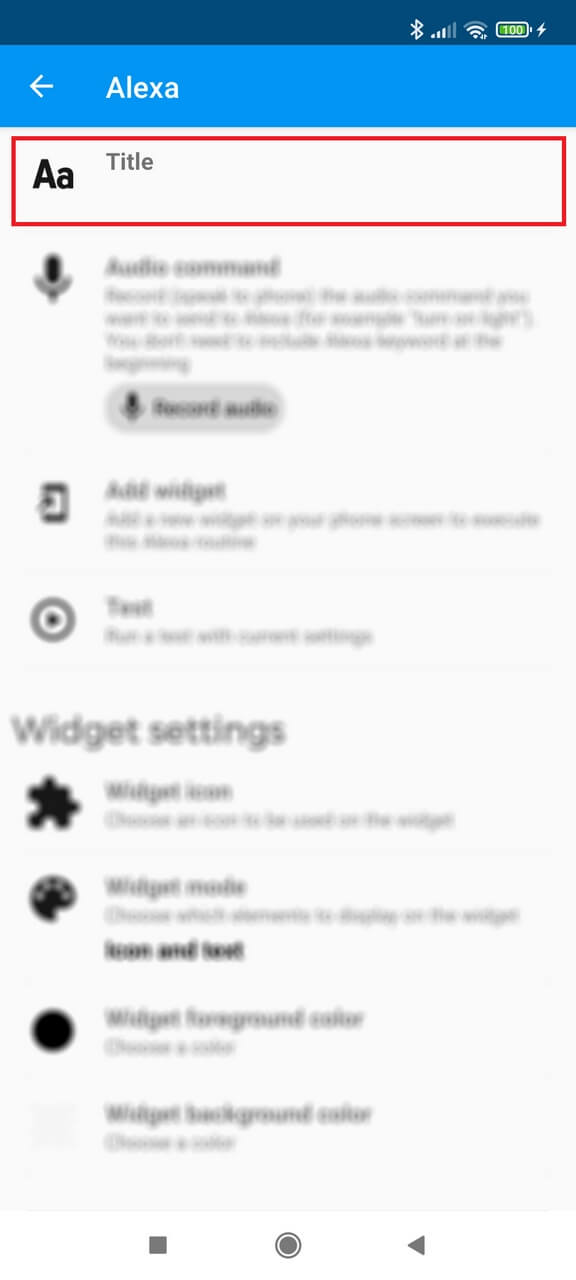
Enter a title
Choose a short title for your reference, such as “Open garage”. This title does not have to match the original Alexa routine name.
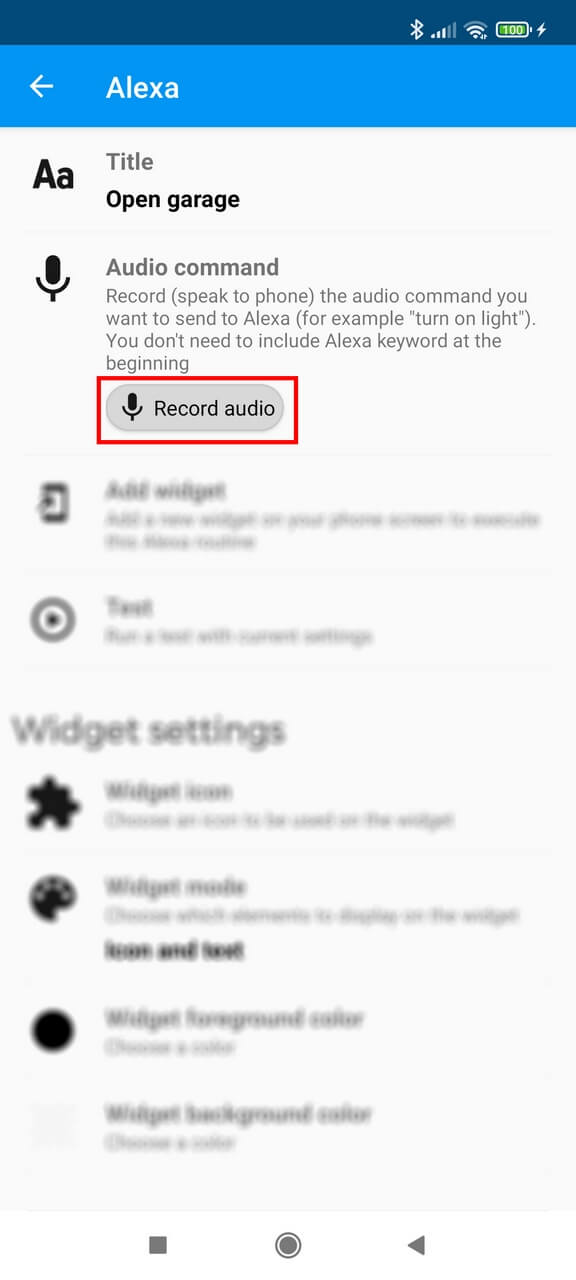
Record the Alexa command
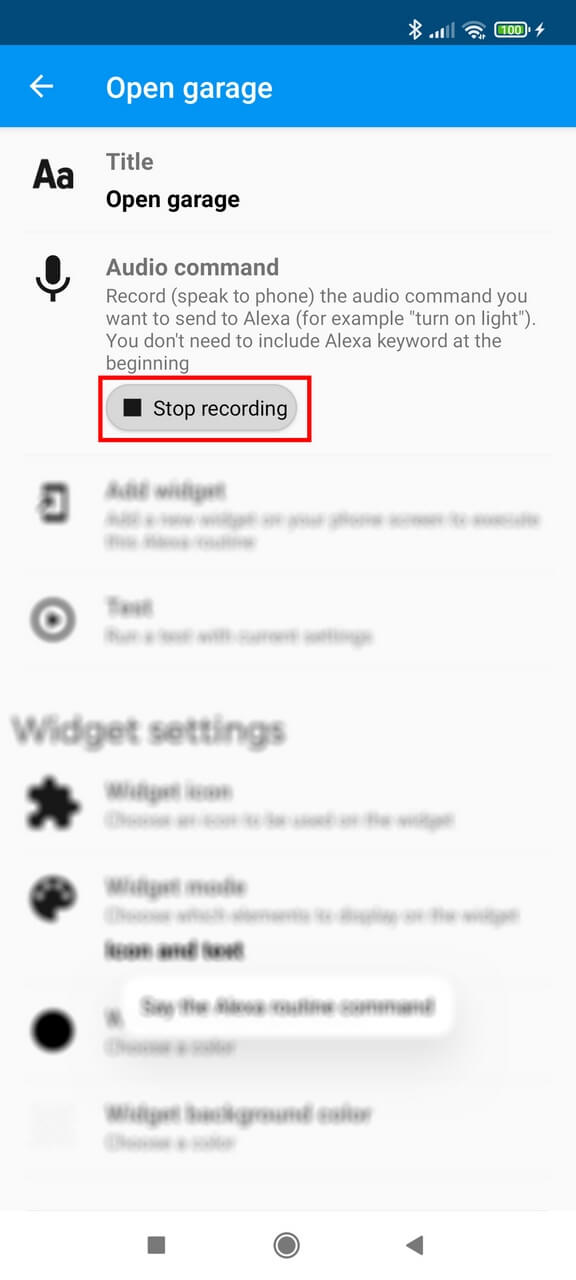
Tap Record audio and say the same command you normally use to trigger the Alexa routine. The initial “Alexa” wake word can be omitted.
Stop and save
Stop the recording to save the command. Use Test to confirm the routine works before creating the widget.
Add the widget
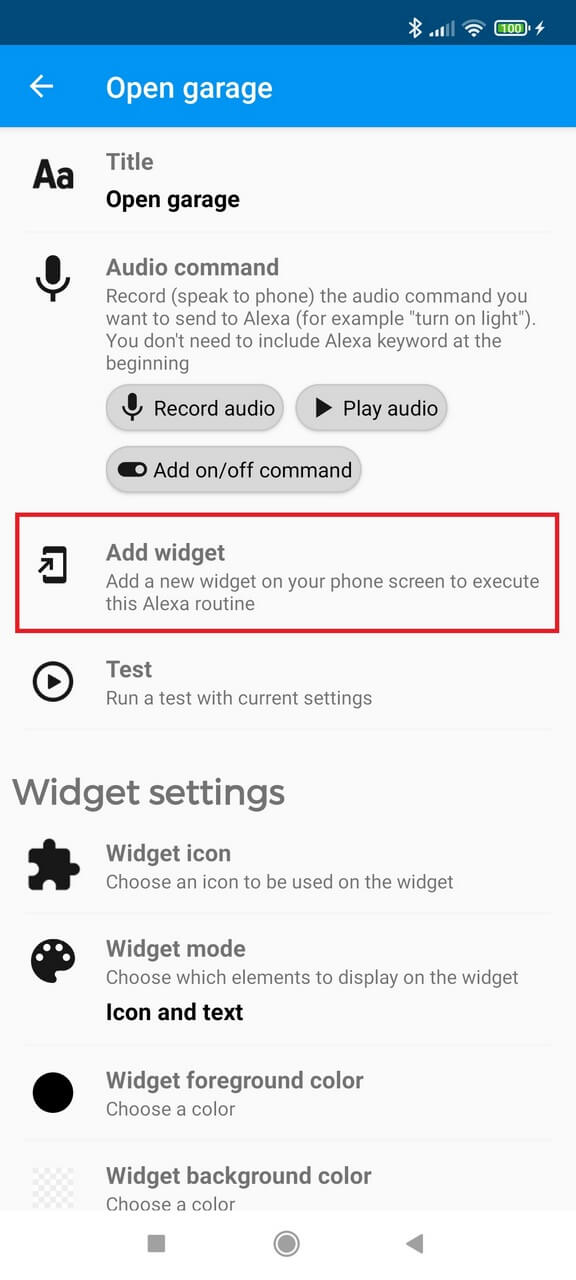
Tap Add widget to place the routine on the Android home screen. If your launcher blocks automatic placement, add the Buttons for Alexa widget manually from the launcher widget picker.
Next steps
Once the basic widget works, you can configure Optional answer to Alexa for routines that ask for a PIN or another second input, explore multiple independent routines with labels, use on/off commands, run routines from Android Auto, or connect them to Tasker and compatible Notify integrations.