Requirements
Save and test your command in Buttons for Alexa first. Buttons for Alexa PRO is required for Tasker, including the first routine. Tasker is a separate paid product with an official trial. NFC requires a phone with an NFC reader and a compatible tag. Use the app update containing this feature.
Downloads and instructions
- tasker-routine-template.tsk.xml — creates BFA_Run_Routine with one plugin action to configure.
- nfc-bedtime-template.prj.xml — creates BFA_NFC_Evening with a task and an OFF NFC profile.
- Full instructions, troubleshooting and removal
No recordings, accounts, execution URLs or private routine IDs. Keep the XML extension. Put the task in Tasker/tasks and the project in Tasker/projects, or navigate to Downloads in Tasker’s picker.
Import and configure the task
- Long-press Tasker’s TASKS tab → Import Task → select the .tsk.xml. Review the content if prompted; do not run it automatically.
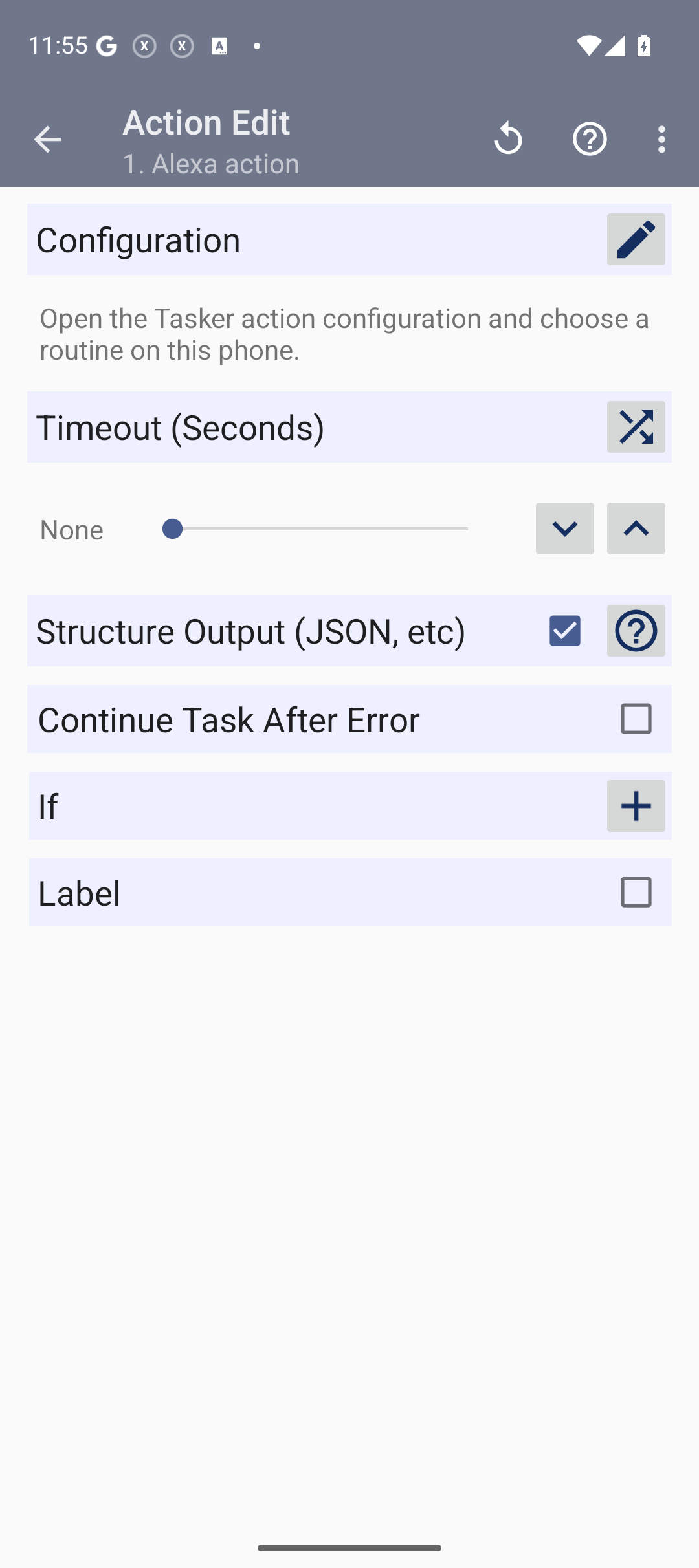
- Open BFA_Run_Routine → Alexa action → Configuration pencil → choose a saved routine on this phone. Use an unconfigured template is only a placeholder.
- Save and use Play after selecting the routine. Check Buttons for Alexa and the target device: Tasker finishing alone does not prove Alexa completed the command.
Import the NFC Evening project
- Long-press a project tab at the bottom → Import Project → select the .prj.xml. Keep the profile OFF and decline automatic activation.
- Open project BFA_NFC_Evening → TASKS → BFA_NFC_Evening_Action → Alexa action → Configuration. Choose and manually test your own routine.
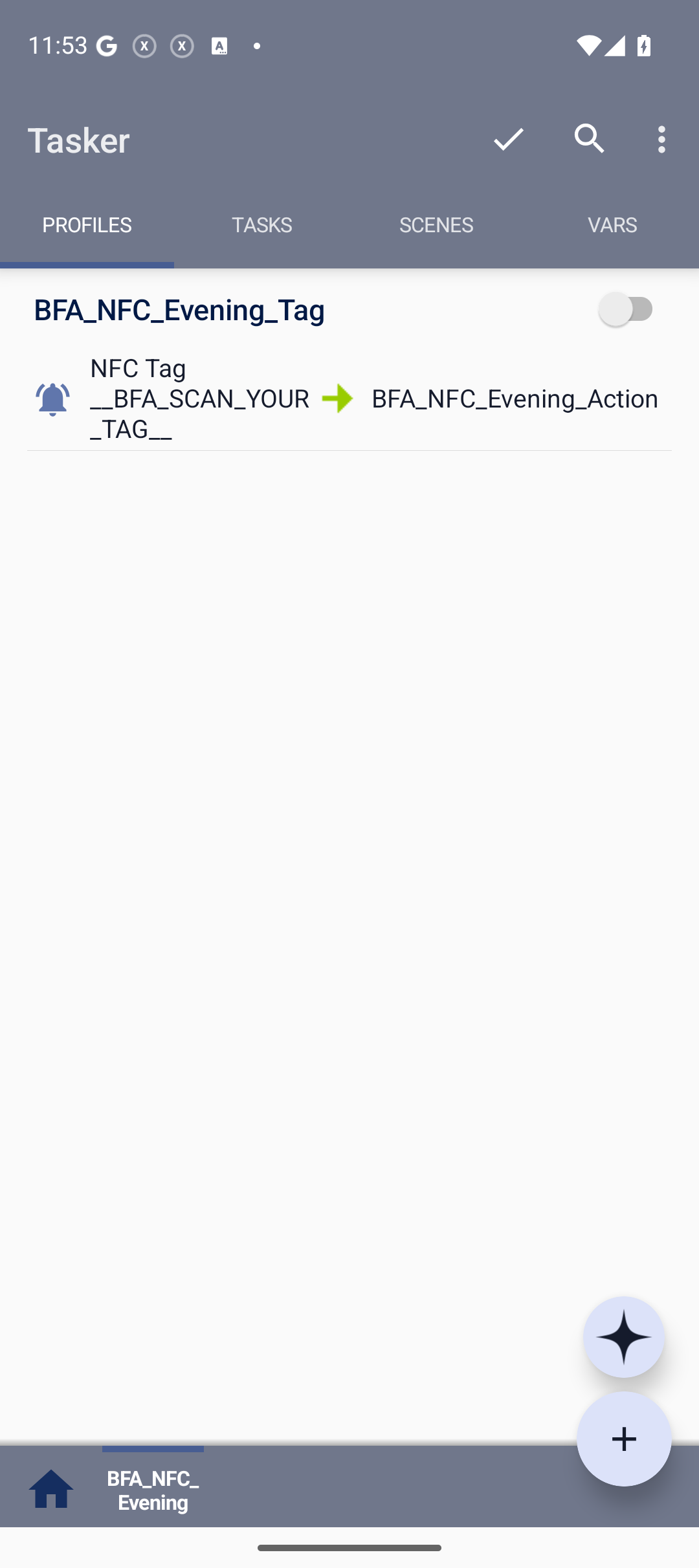
- In PROFILES open BFA_NFC_Evening_Tag → NFC Tag. Scan your tag with the control beside ID to replace __BFA_SCAN_YOUR_TAG__. Leave Content empty.
- Save, enable the profile and apply changes. First test with NFC enabled and the phone awake and unlocked.
If the task works manually but the tag does not trigger it, check NFC detection and battery restrictions for both apps. This recipe requires no contacts or SMS.
Verification and removal
Import, plugin configuration and the OFF profile were checked on Android 16. Physical NFC and Amazon execution with PRO remain unverified. Remove BFA_Run_Routine for the manual template; for NFC disable the profile and use Delete → Delete Contents only on BFA_NFC_Evening. Full instructions are available above.
Share a widget preset
In the routine editor choose Share preset, a style and an example. Review the preview and open the share chooser. The recipient chooses Create this preset and records their own command. No recordings, IDs or credentials are transferred.
Screenshots from the verified reimport
Actual QA captures in Tasker 6.6.20. The task requires a routine selection; the NFC profile is OFF.